All context on the desktop
Create clients, projects and tasks; start or pause the timer; review sessions and understand results without switching between spreadsheets
TaskTime Control for Windows brings clients, projects, tasks, timer, calendar and reports into the computer where deep work happens.
Create clients, projects and tasks; start or pause the timer; review sessions and understand results without switching between spreadsheets
Design, architecture, development, consulting and administration share the need to understand where time is invested
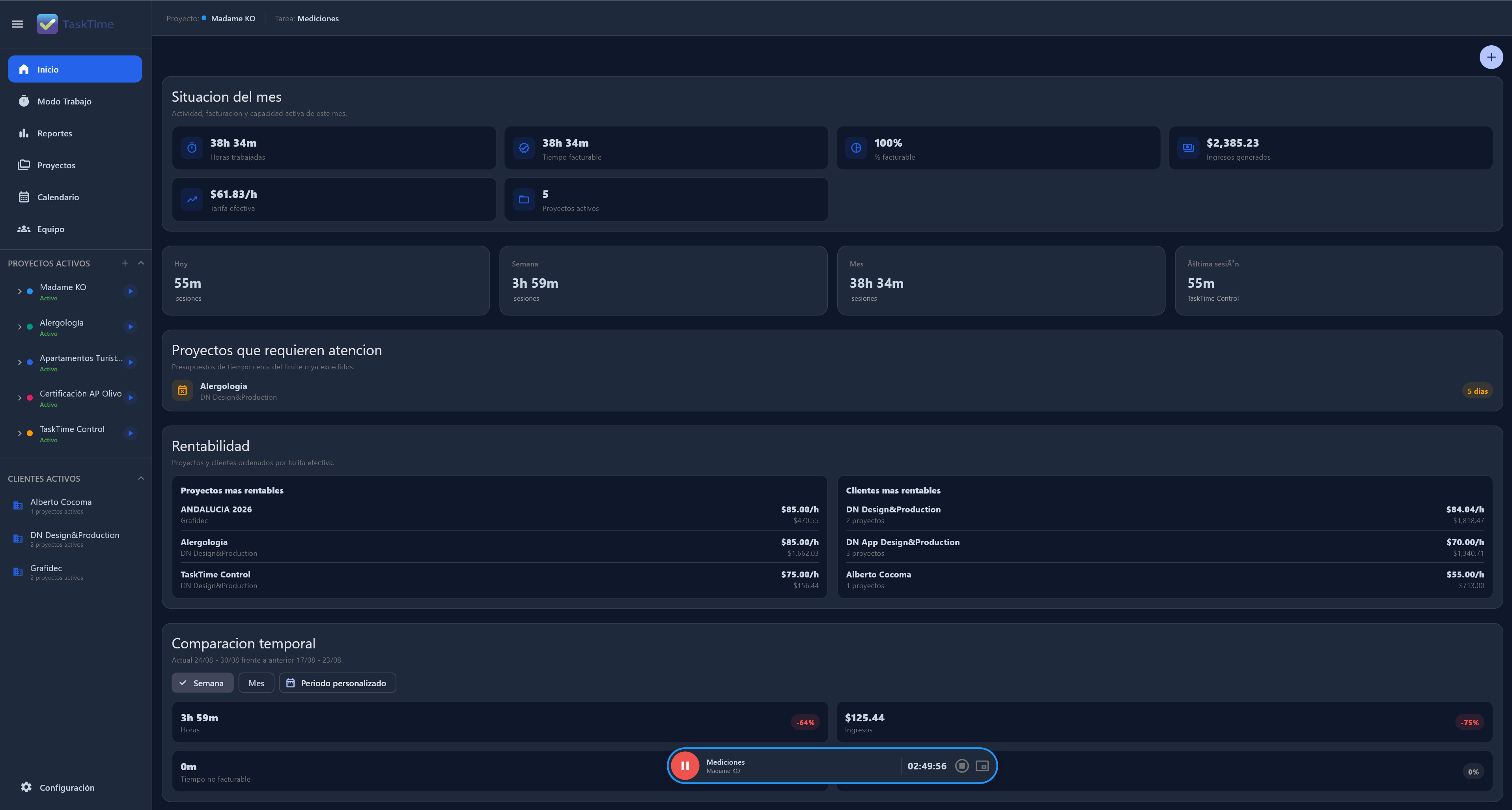
Create clients, projects and tasks; start or pause the timer; review sessions and understand results without switching between spreadsheets.
Design, architecture, development, consulting and administration share the need to understand where time is invested.
Yes. Windows is TaskTime Control's main desktop application.
No. The Local-First model lets you keep working and save on the device first.
Connect time, projects and decisions in one Local-First workspace.
Get TaskTime for Windows