TaskTime Control

Track time. Understand the profitability of every project.

Organise clients, projects and tasks, track your hours and turn completed work into useful information for quoting, deciding and billing.
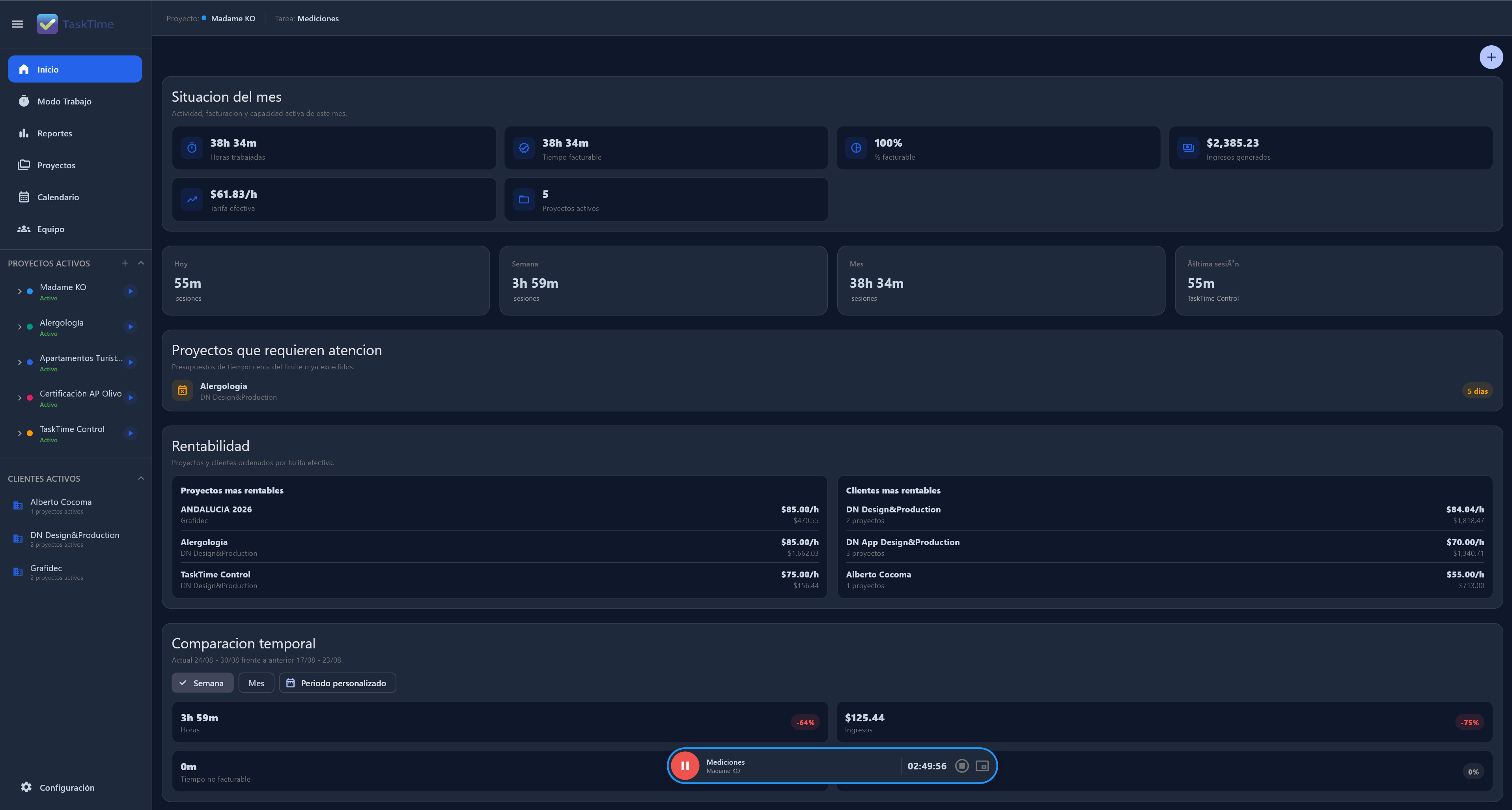
TaskTime Control dashboard showing project time, billable work and profitability
Live project contextWindows
One connected work route

From a client to a clearer decision.

ClientProjectTaskTimeCostProfitability
01 · Organise

Clients and projects ready before work starts.

Keep contacts, billing details, tasks, responsibilities, dates and deliveries in the same project context.
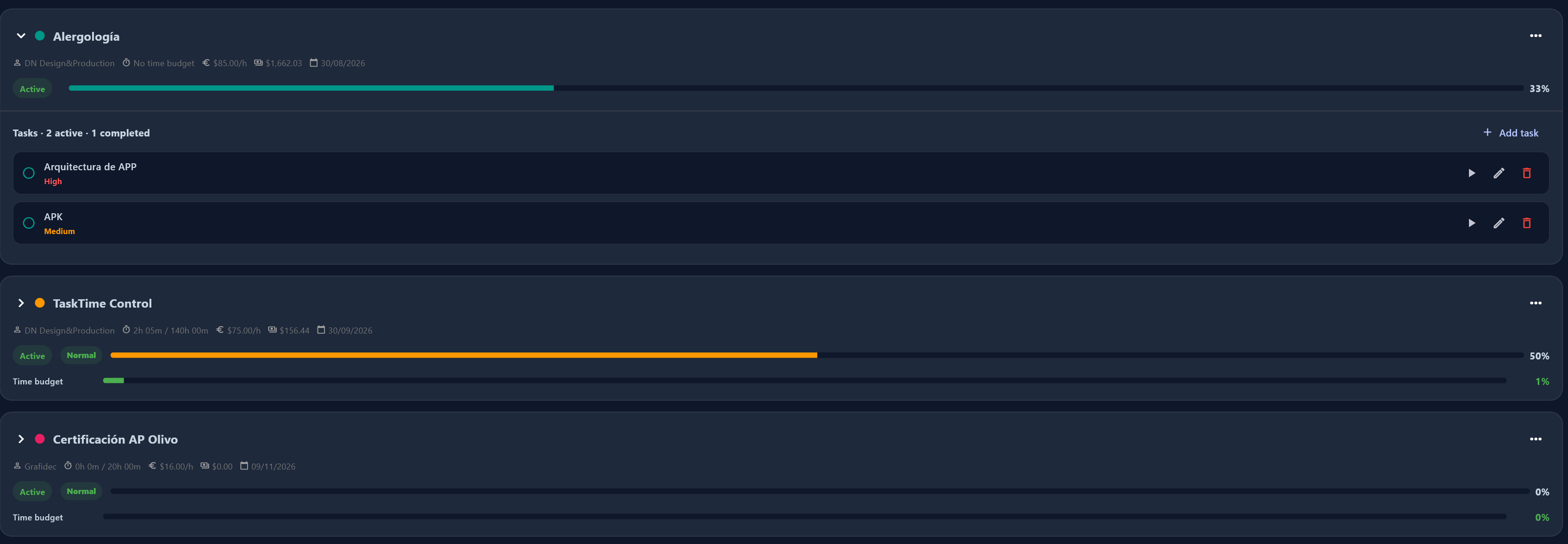
  • Client and billing context
  • Tasks, owners and priorities
  • Meetings, deadlines and deliveries
TaskTime Control project workspace with projects, tasks and progress
TaskTime Control Organise
02 · Track

Record time without losing the reason behind it.

Start, pause or finish a session from the active task. Review the Timeline and add a clear manual record when work happened away from the timer.
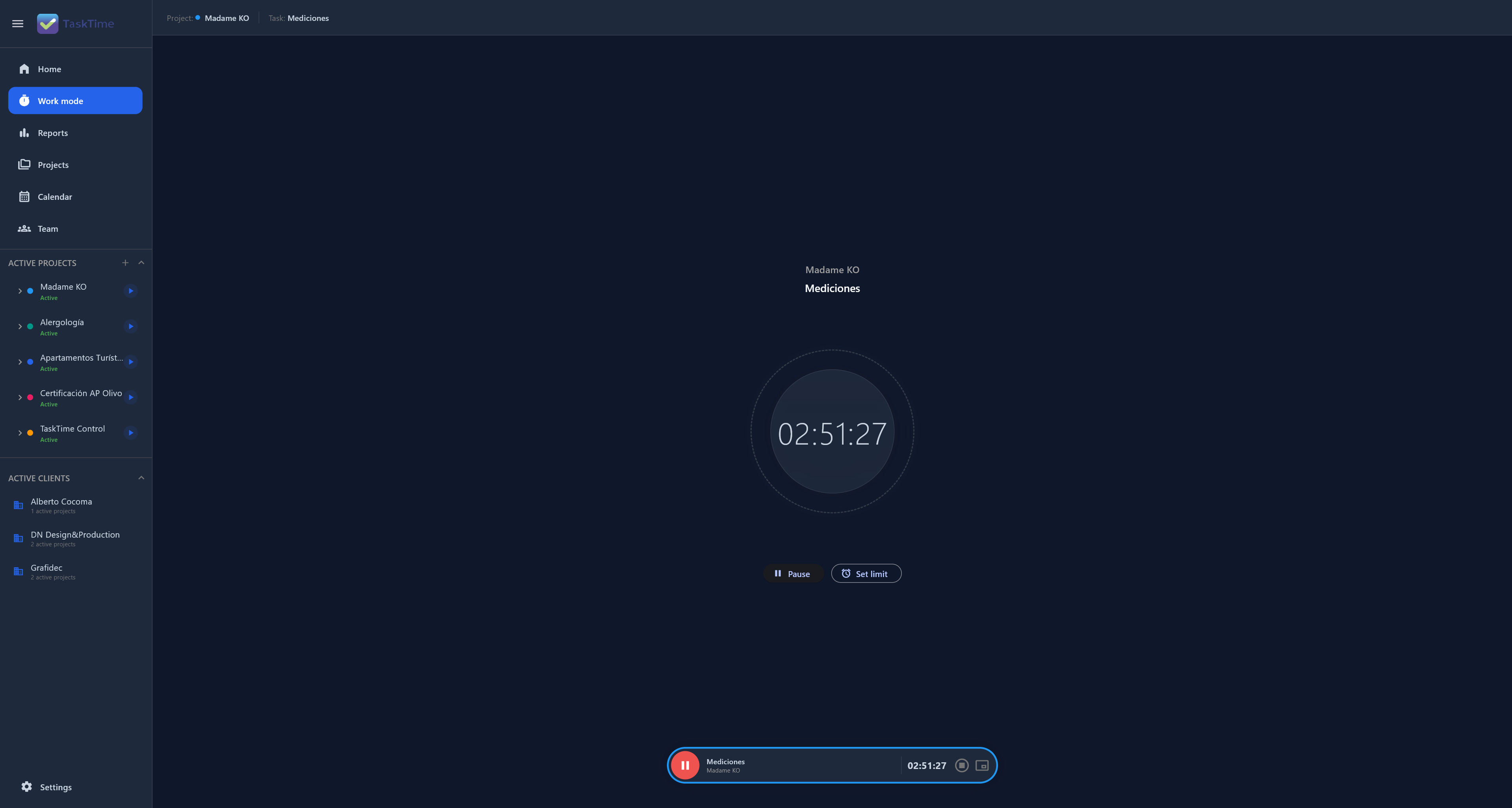
  • Timer connected to the active task
  • Sessions by client and project
  • Timeline ready to review
TaskTime Control focus timer connected to a project task
TaskTime Control Track
03 · Analyse

See which projects are creating value.

Compare planned hours, actual time, billable work, revenue and effective rates before a deviation turns into a loss.

  • Estimated versus actual hours
  • Billable work and revenue
  • Project and client profitability
TaskTime Control dashboard with time, revenue and profitability
TaskTime Control Analyse
04 · Prepare and bill

Turn completed work into clear next steps.

Prepare quotes, reports and invoices from connected records instead of rebuilding the project in a spreadsheet.
  • Project data ready to present
  • Clear reports for each client
  • More evidence for every invoice
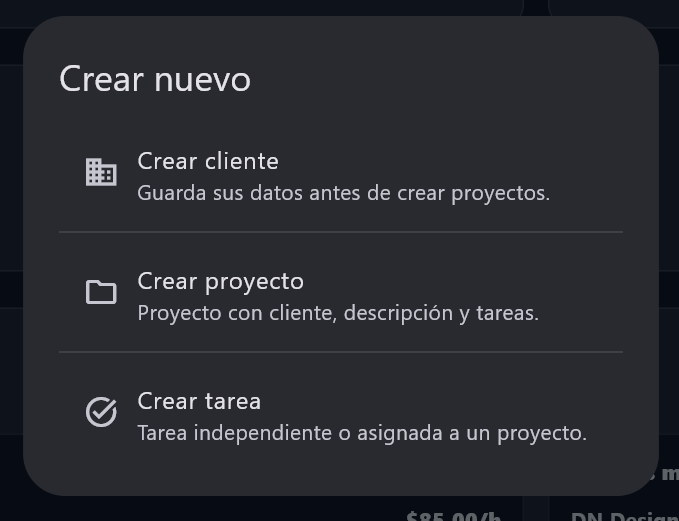
TaskTime Control workflow to create connected client, project and task work
TaskTime Control Prepare and bill
Local-First by design

Your work stays available when the connection does not.

Keep your projects and time in a workspace that starts on your device. Synchronisation is an option when you need it, not a condition for working.

Explore Local-First
Choose your level

Start with the essentials. Grow with the work.

View pricing
01

FREE

The essential workspace

Clients, projects, tasks and timer

03

PRO+

Coordinated teams

Smart Tracking, roles and automation

TaskTime Control

Start free. Understand every hour you work better.

Bring the context of your projects together before the next quote, review or invoice.

Start free View pricing
3D UpdateIFTM 2026 · Personal project
01:08:00
Limit: 8 h
Active