Track without losing context
Start a timer or add time to a task
TaskTime Control connects every session to a project, task and client so tracked hours become useful information.
Start a timer or add time to a task
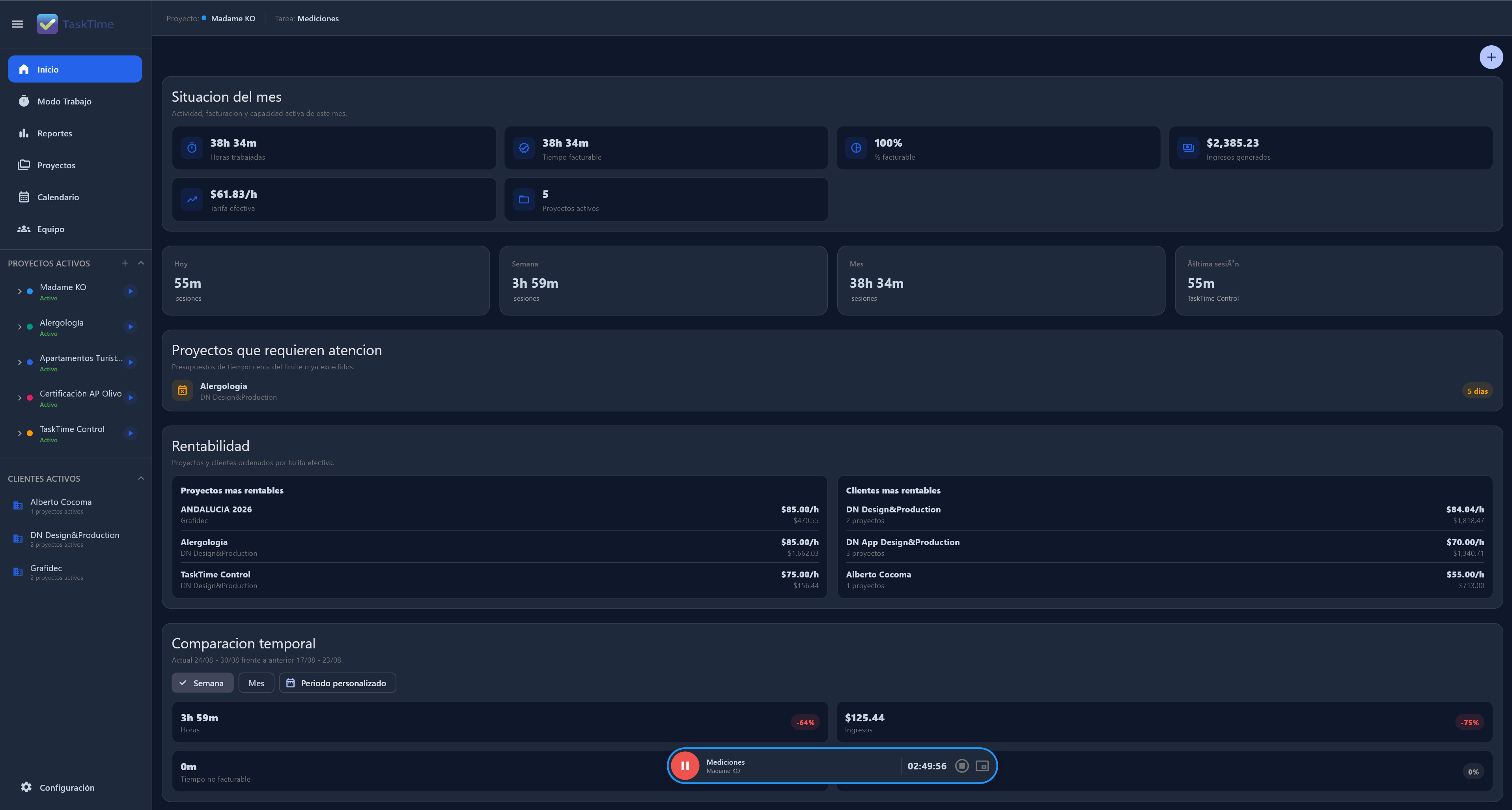
Review time by project, client or period
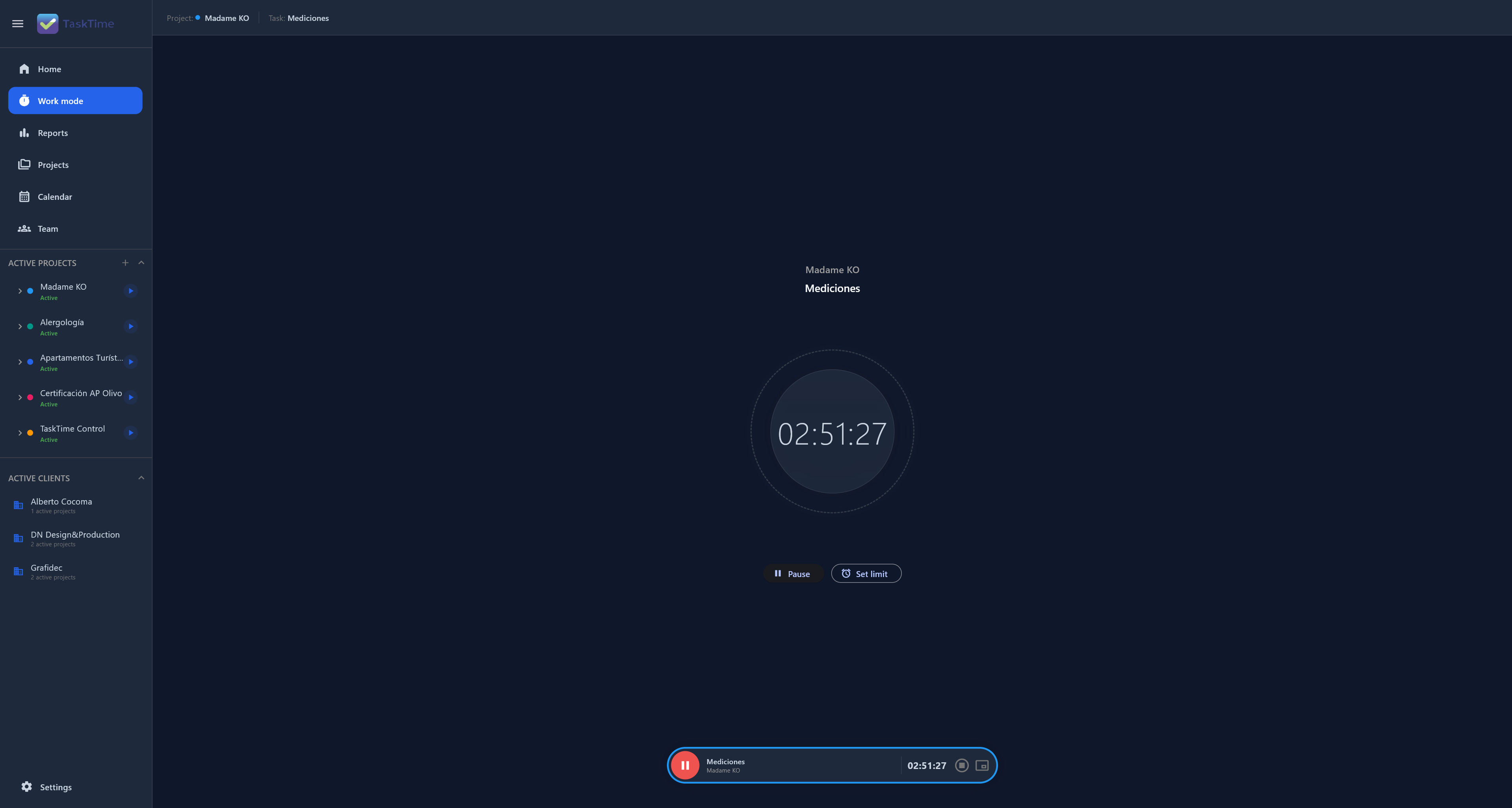
Start a timer or add time to a task. Every session keeps its project and client, so you can review work without rebuilding your day.
Review time by project, client or period. The useful question is not only how long you worked, but whether that effort matches the plan.
Yes. TaskTime saves work on the device first. Synchronisation is optional when you work across devices.
Yes. The timer helps during the day and sessions can be reviewed or completed when work was already done.
Connect time, projects and decisions in one Local-First workspace.
Get TaskTime for Windows