A structure for every project
Create the client, define the project, split work into tasks and track the sessions where it happens
A project brings together client, tasks, planned time, sessions and results. TaskTime makes the link between planned and actual work visible.
Create the client, define the project, split work into tasks and track the sessions where it happens
Compare planned and tracked hours to find phases that take more than expected and price the next proposal with better evidence
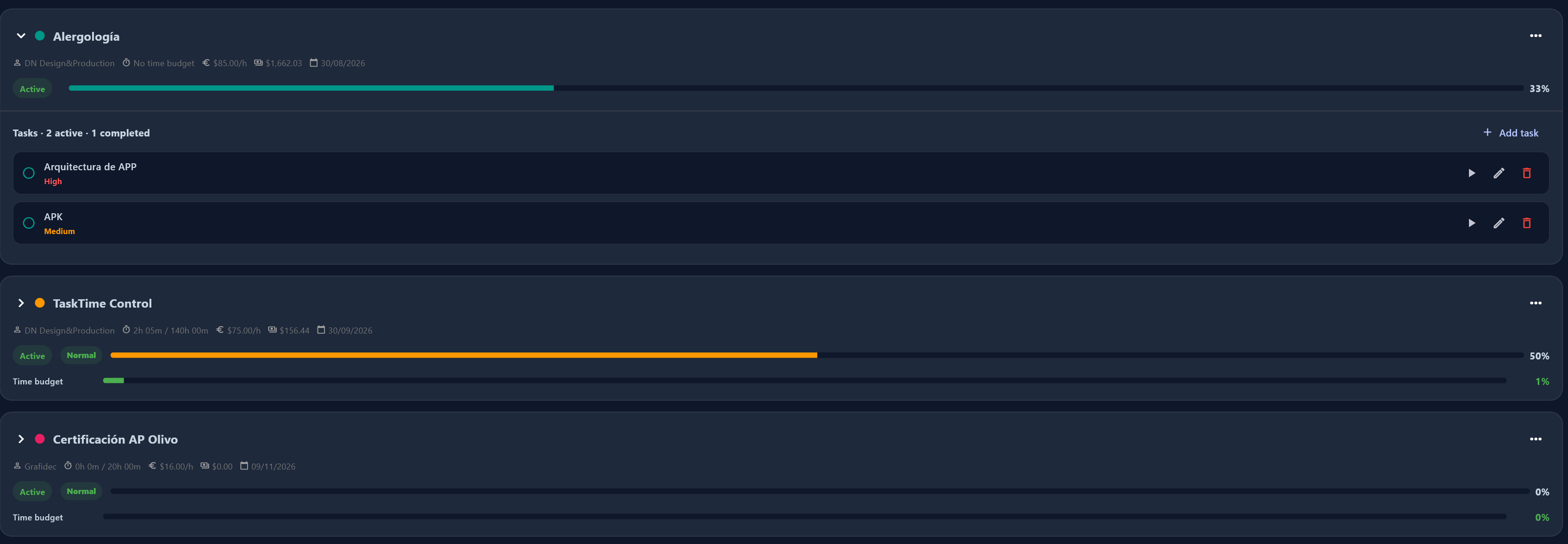
Create the client, define the project, split work into tasks and track the sessions where it happens. You can explain where every hour came from.
Compare planned and tracked hours to find phases that take more than expected and price the next proposal with better evidence.
Yes. Tasks keep project context and let you review the time spent on each part of the work.
Yes. Keep the project history and review its work by periods, tasks and sessions.
Connect time, projects and decisions in one Local-First workspace.
See project features