Budget versus reality
Set planned hours and track real sessions
Revenue alone does not show whether a project was profitable. You need to understand the time spent, scope and deviations from the plan.
Set planned hours and track real sessions
The aim is not to punish a deviation
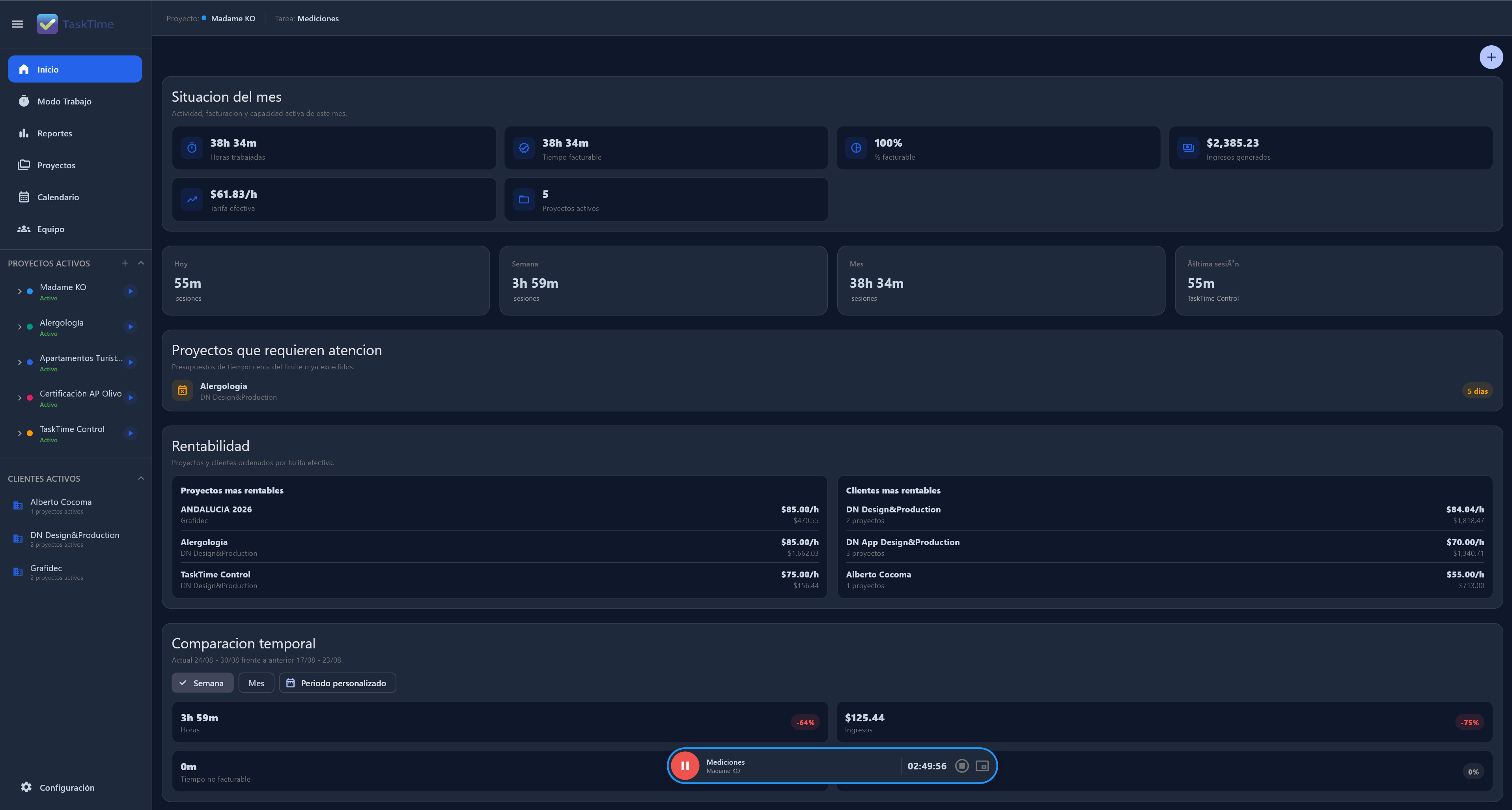
Set planned hours and track real sessions. When reviewing the project, you can see which phases, tasks or changes altered the expected margin.
The aim is not to punish a deviation. It is to learn from it: change a rate, limit revisions, refine an estimate or reorganise workload.
No. Time is an essential signal, but external costs, scope, revisions and the strategic value of a client matter too.
Yes. That comparison is one of the foundations for understanding a project's real effort.
Connect time, projects and decisions in one Local-First workspace.
Explore project profitability