Work when the internet fails
Create projects, manage tasks and track sessions without relying on a constant internet connection
TaskTime is Local-First: work data starts on your device and synchronisation is enabled when you actually need it.
Create projects, manage tasks and track sessions without relying on a constant internet connection
Synchronisation can add continuity across devices and a secure copy, but it does not replace ownership of your data or local work
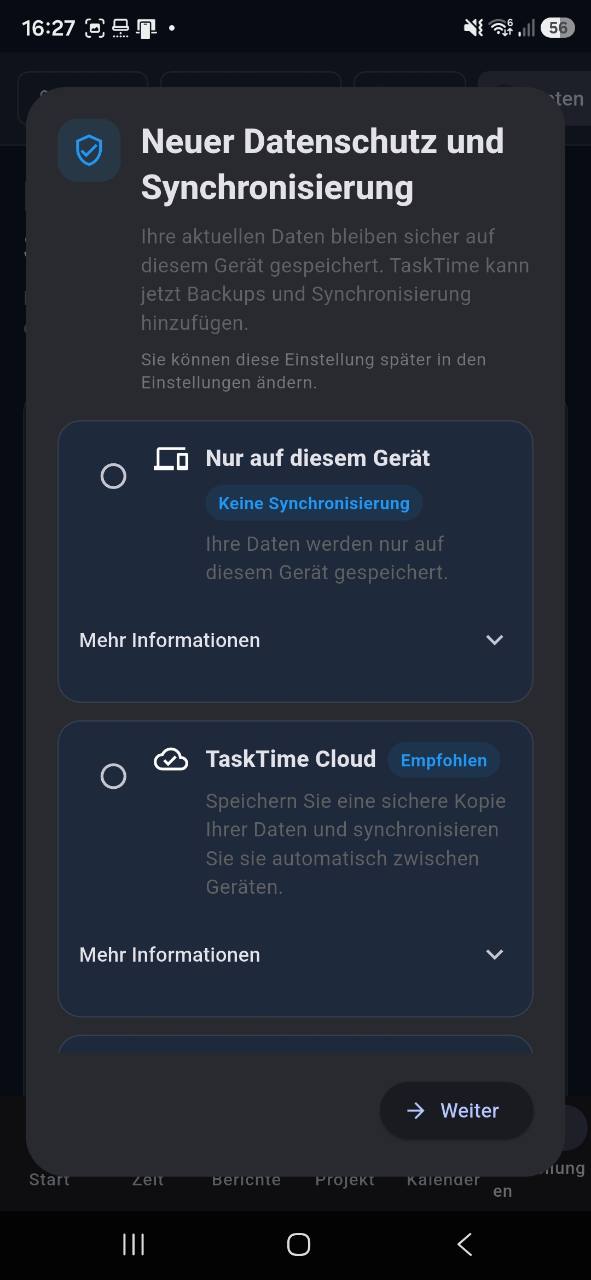
Create projects, manage tasks and track sessions without relying on a constant internet connection.
Synchronisation can add continuity across devices and a secure copy, but it does not replace ownership of your data or local work.
Yes. Local-First storage lets you track and review work directly on the device.
No. Synchronisation is an option for people who need to work across devices.
Connect time, projects and decisions in one Local-First workspace.
Learn about Local-First