Make invisible work visible
Attach every session to a client, project and task
Meetings, revisions, preparation and changes are work too. TaskTime keeps those hours with the project so they do not vanish at invoicing time.
Attach every session to a client, project and task
Use tracked hours as evidence for future estimates and client conversations, instead of relying on memory
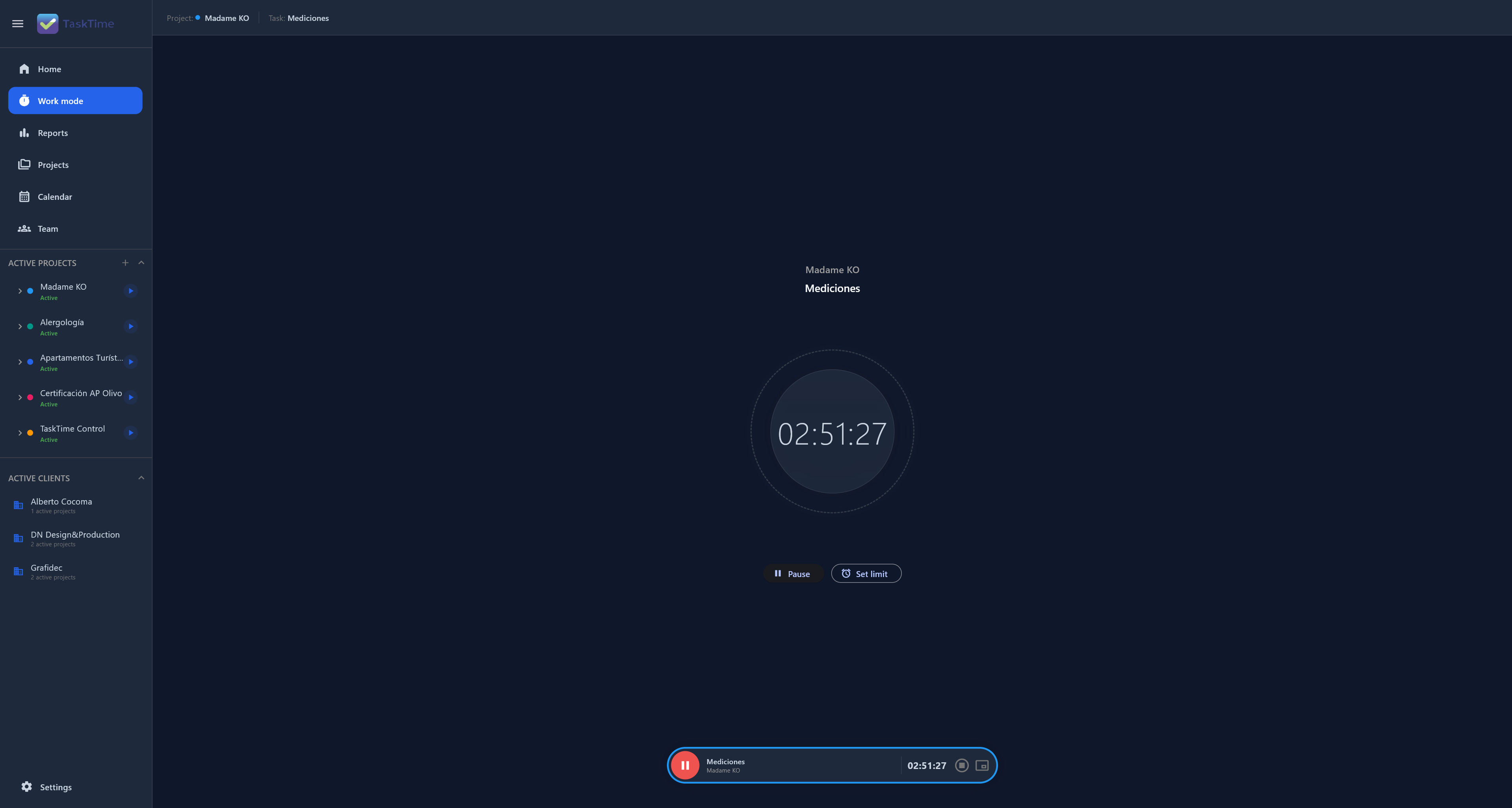
Attach every session to a client, project and task. When you review the project, you can see work that was not part of the original estimate.
Use tracked hours as evidence for future estimates and client conversations, instead of relying on memory.
No. It is designed for professionals, and the same structure works for small project-based teams.
Yes. Each project keeps its client, tasks and sessions so work stays correctly separated.
Connect time, projects and decisions in one Local-First workspace.
Explore TaskTime for freelancers