A reminder, not surveillance
The feature identifies work context to help recover forgotten sessions
Smart Tracking helps reconstruct your day from application activity. You decide what to review, classify and record.
The feature identifies work context to help recover forgotten sessions
Activity is reviewed before it becomes a session
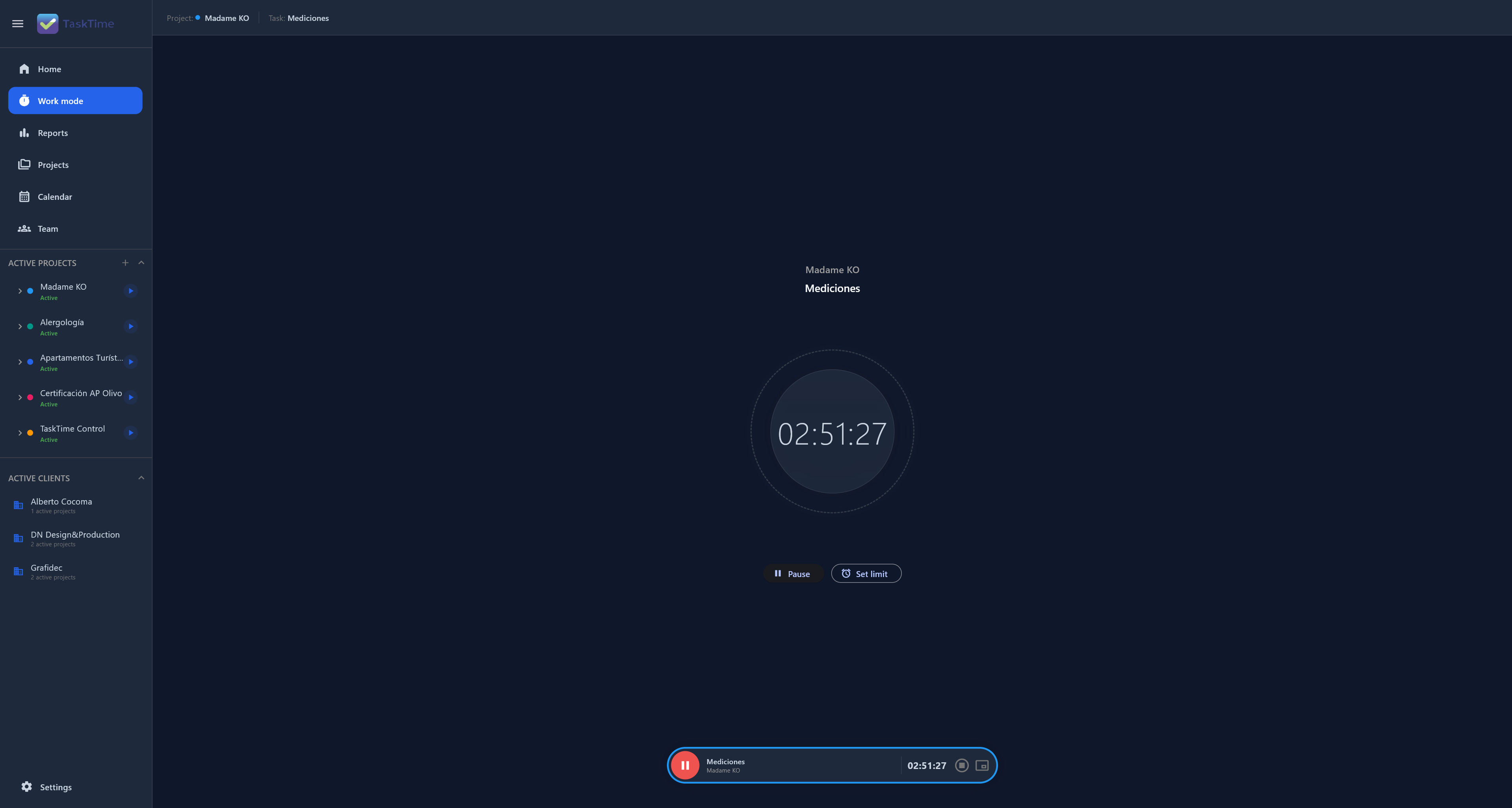
The feature identifies work context to help recover forgotten sessions. It does not require screenshots, camera tracking or keystroke logging.
Activity is reviewed before it becomes a session. The purpose is to understand projects, time and costs, not to watch people.
No. TaskTime does not require screenshots to track time.
Yes, with a clear policy: understand project workload without turning the tool into employee surveillance.
Connect time, projects and decisions in one Local-First workspace.
Explore Smart Tracking